Electron + xterm.js + node-pty + vue 实现本地终端
本文介绍一种简单方法,实现本地终端程序。
项目已上传Github https://github.com/dr34m-cn/electron-term-demo
核心代码
服务提供处:background.js
1 | |
封装处:term.vue
1 | |
调用处:App.vue
1 | |
推荐版本nodejs 14.X
需要满足node-pty使用依赖,摘录在最后
启动方式:
首次
1 | |
之后
1 | |
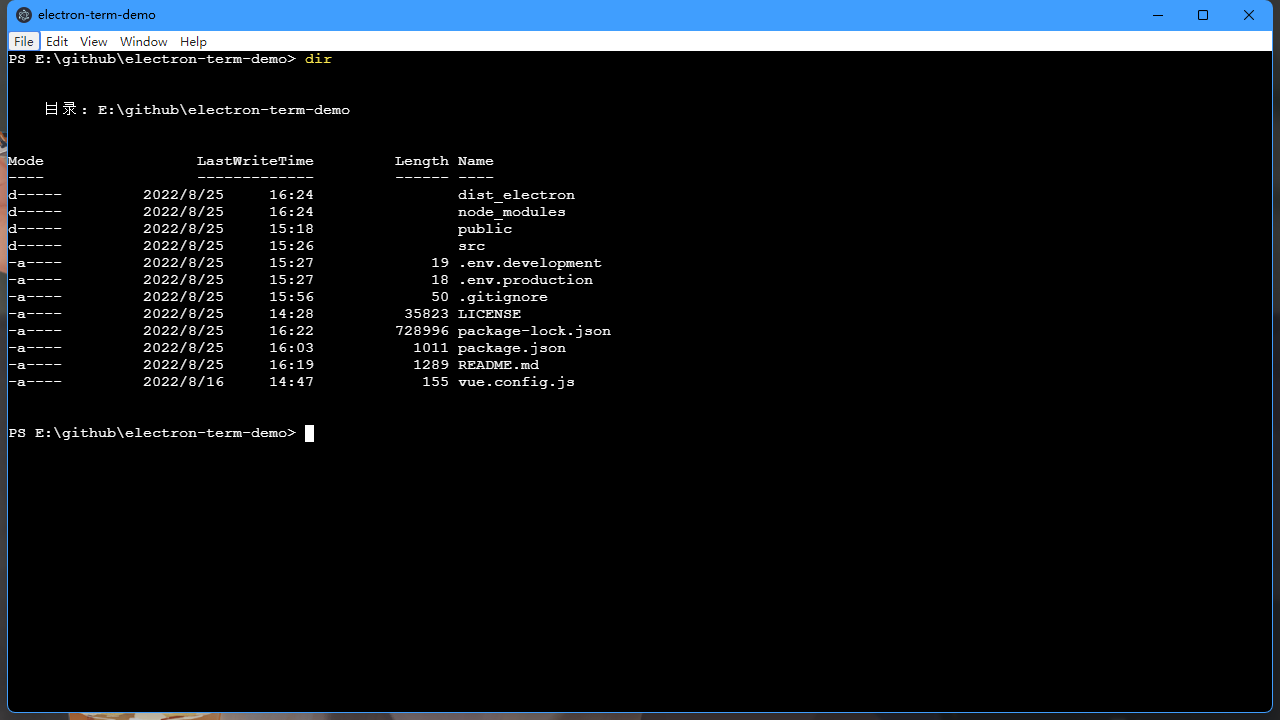
效果如下
node-pty使用依赖摘录如下
Dependencies
Node.JS 12+ or Electron 8+ is required to use
node-pty.Linux (apt)
sudo apt install -y make python build-essentialmacOS
Xcode is needed to compile the sources, this can be installed from the App Store.
Windows
npm installrequires some tools to be present in the system like Python and C++ compiler. Windows users can easily install them by running the following command in PowerShell as administrator. For more information see https://github.com/felixrieseberg/windows-build-tools:
npm install --global --production windows-build-toolsThe following are also needed:
- Windows SDK - only the “Desktop C++ Apps” components are needed to be installed
Electron + xterm.js + node-pty + vue 实现本地终端
https://dr34m.cn/2022/08/newpost-48/